
Find the file in your old mail.
Liferaft searches local MBOX archives and recovers messages and attachments. Check the original message, then save the file you came for.
See downloads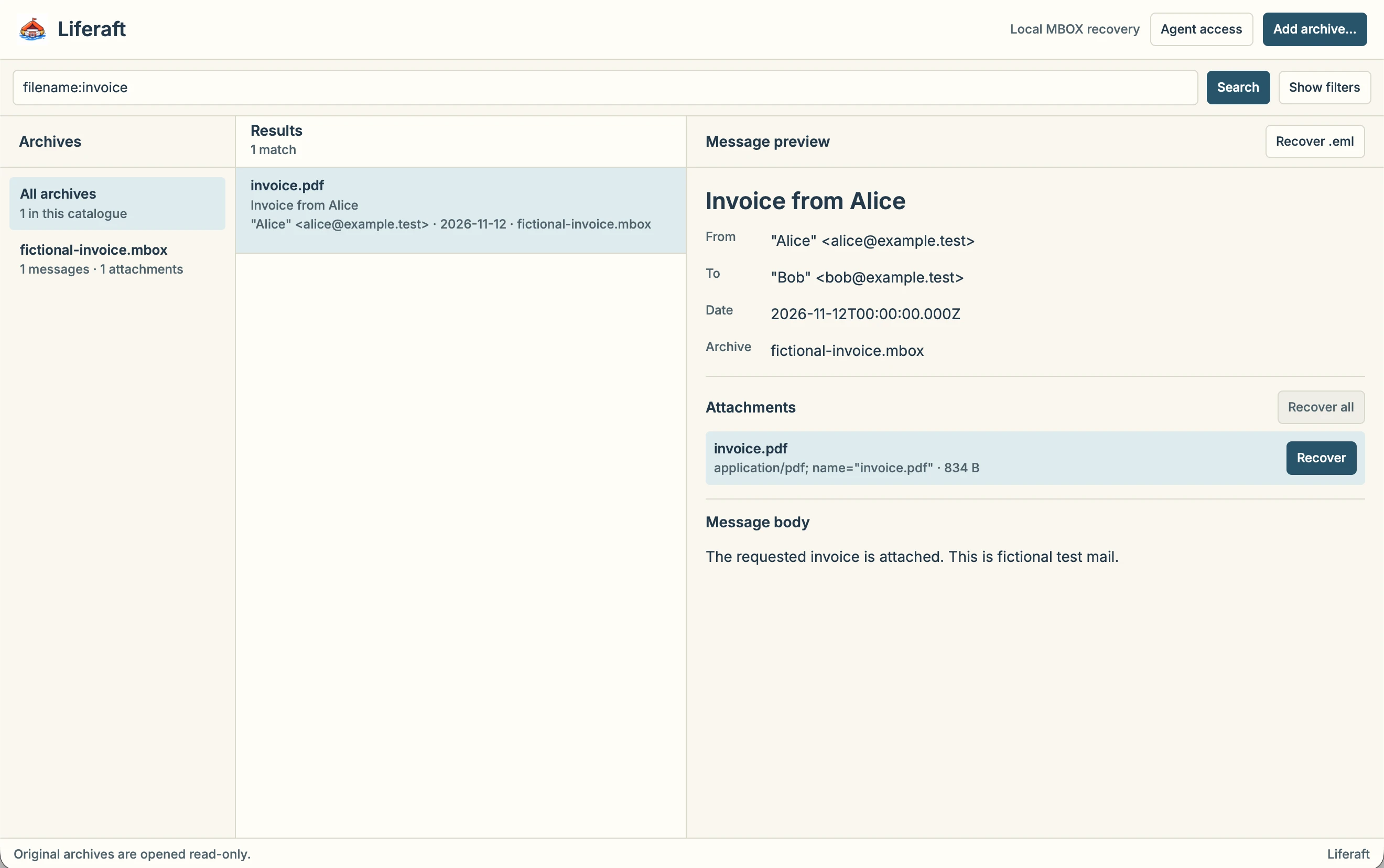
From archive
to recovered copy.
-
Add an archive
Open an extracted MBOX file, such as an export from Google Takeout. Liferaft builds a separate local search index.
-
Search the index
Start with a filename, sender, subject or phrase you remember. Narrow the results by archive, date or whether the message has attachments.
-
Check the message
Use the sender, date and attachment details to check you have the right result before saving anything.
-
Recover a copy
Save the attachment or the original message as an
.emlfile. Your archive stays in place.
Get Liferaft.
The published desktop release is v0.1.2, the earlier Electron edition. Its installers are unsigned. The Rune edition has been packaged and tested locally on Apple silicon. The public Rune download is pending macOS distribution signing.
View the v0.1.2 releaseBefore you start.
What files can I open?
Liferaft reads local MBOX files. Extract the MBOX from a ZIP or Takeout download first. Keep the source available at the same path after indexing, and leave room on disk for the index and recovered copies. The Rune importer accepts messages up to 64 MiB each.
Where does indexing happen?
Liferaft processes and indexes the archive on your computer. Removing the index leaves the original archive in place.
What can an optional agent see?
In the Rune edition, agent access starts off. You choose which indexed archives the local agent can search and where it can save recovered copies. Your chosen agent may send returned mail details to its model provider. You can revoke future access in Liferaft.
What if the archive has changed?
Keep the original while you work. If you replace or edit the source, reindex it before relying on search results or recovering a copy.